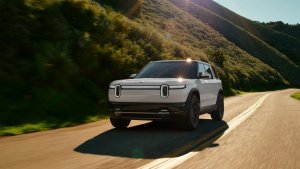
Rivian loves to have fun with their software. If you put your Rivian into ‘Car Wash Mode’ feature in the vehicle, pop open your Rivian App.
When viewing the vehicle in the app, it’ll be getting a good soak in there to match the car wash you’re getting in real life. Plus, you’ll find your R1T or R1S having a good time with a friendly little rubber ducky hanging out on the roof.

Enable Car Wash Mode
In order to see this cute little easter egg, you’ll need to enable Car Wash Mode on your Rivian. Go to Settings > Access and Security > Car Wash to turn it on. Give it a few seconds for the Rivian app to update, and you’re scrubbing away!