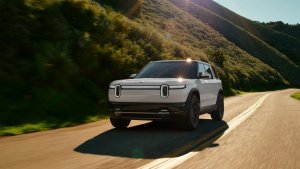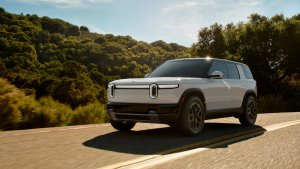
With update 2024.19.04, Rivian introduced a striking visual overhaul to its vehicle software, featuring a completely new cel-shaded design for its vehicles. Moving away from realistic models, Rivian embraced a bold, anime-inspired aesthetic known as cel-shading, offering a fresh and dynamic look.
The cel-shaded 3D models come to life with stunning animations as you switch between drive modes, adding a stylish, artistic flair to the interface. The result is a visually captivating and modern experience.
Vehicle Mode Animations
When you change your vehicle mode, the background artwork and animations adapt to match. While parked, you can even touch the screen with two fingers to move the model slightly, creating a subtle 3D effect.
Each mode has its own unique animations. In Conserve mode, windmills spin in the background, while in Rally and Drift modes, dirt and dust fly up from your Rivian's tires. In Sport mode, you'll notice speed lines near the rear of the vehicle as it races along a virtual track.
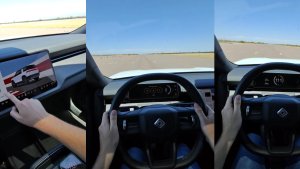
You can view the subtle animation with a two-finger drag in the video below:
Time of Day Effects
The time of day also affects the UI, with the moon rising at night and the sun shining during the day, adding an extra layer of immersion.
Rivian has truly nailed this update, delivering a smooth, responsive, and visually impressive experience. It's easily one of the best vehicle UIs available today.