


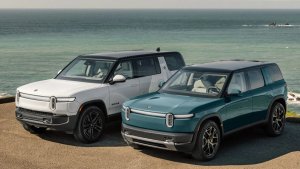

![Rivian Assistant Recommends Rivians When Asked About Teslas [VIDEO]](https://www.rivianwave.com/img/paths/storage/rivian-screen/rivian-assistant-preview.webp/7a93353f761a17cd4b31e7b3894c2ef5/rivian-assistant-preview.jpg)
![Rivian Introduces Captain Chairs in New 2027 R1S [Photos and Features]](https://www.rivianwave.com/img/paths/storage/r1s/2027/rivian-captains-chairs-6.webp/bad084a306d3a6e0c2a95b4307d1325a/rivian-captains-chairs-6.jpg)

![Rivian Makes It Onto the 'Jeopardy!' [VIDEO]](https://www.rivianwave.com/img/paths/storage/2026/rivian-on-jeopardy.webp/53aedaf2737bb43187d9f1c46d085ff9/rivian-on-jeopardy.jpg)


New Rivian Assistant
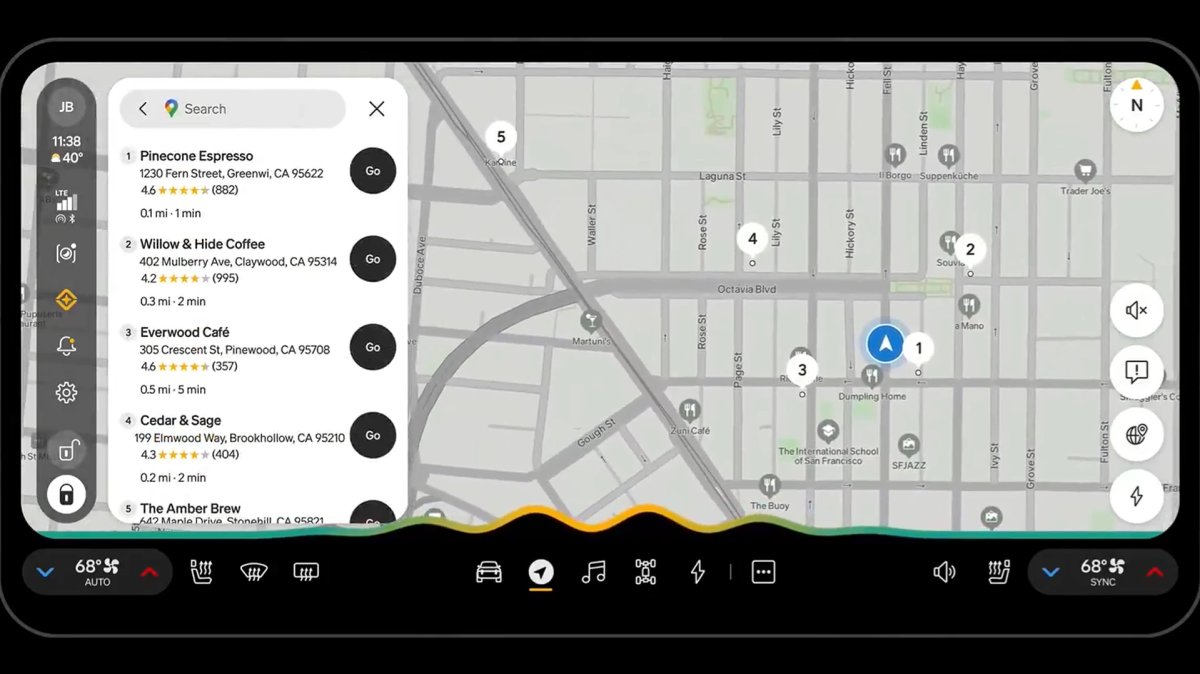
Use the AI-powered, in-vehicle Rivian Assistant to help with the following:
Control vehicle settings, climate control, navigation, media, messaging and calling.
Reference the Owner's Guide with your voice.
Answer general knowledge or follow-up questions. You can ask about local restaurants, the weather at your destination, or the song that was just played.
Explain in-vehicle alerts or notifications or walk you through troubleshooting steps for vehicle concerns.
How to Use
To use Rivian Assistant, complete the first-time setup on the center display. To activate Rivian Assistant, use one of these methods:
Long-press the left thumbwheel on the steering wheel.
Tap Rivian Assistant in the status bar on the center display.
Say "Okay, Rivian" or “Hey, Rivian.”
To stop a command or interaction, press the left thumbwheel or tap the Rivian Assistant wave graphic on the center display. To learn more about Rivian Assistant, ask it about what it can do. To opt out or deactivate the wake words, go to Settings > Apps > Rivian Assistant on the center display. For more information, go to the Owner's Guide and search for Rivian Assistant.
How to Personalize
In the Rivian mobile app version 3.12 or later, you can personalize your Rivian Assistant experience through Rivian Intelligence. Go to Account > Rivian Intelligence to turn on these features:
Google Calendar: Connect your calendar so you can create, re-schedule, or navigate to events using Rivian Assistant.
Memory: Rivian Assistant learns your preferences over time, such as favorite music genres, restaurants, and regular destinations, including work or school drop-off locations. You can turn off Memory or delete the stored details at any time.
NOTES
The mobile app saves the Rivian Intelligence settings to your driver profile and applies them to any Rivian vehicle you drive.
Rivian Assistant is available on vehicles that are actively subscribed to Connect+ or are in a trial period.
Rivian Assistant is only available in English.
Google Calendar and Memory are turned off by default. Opt in to use these features.
When you turn on Rivian Assistant, your vehicle automatically turns off Alexa and all Alexa integrations.
Secure Your Profile
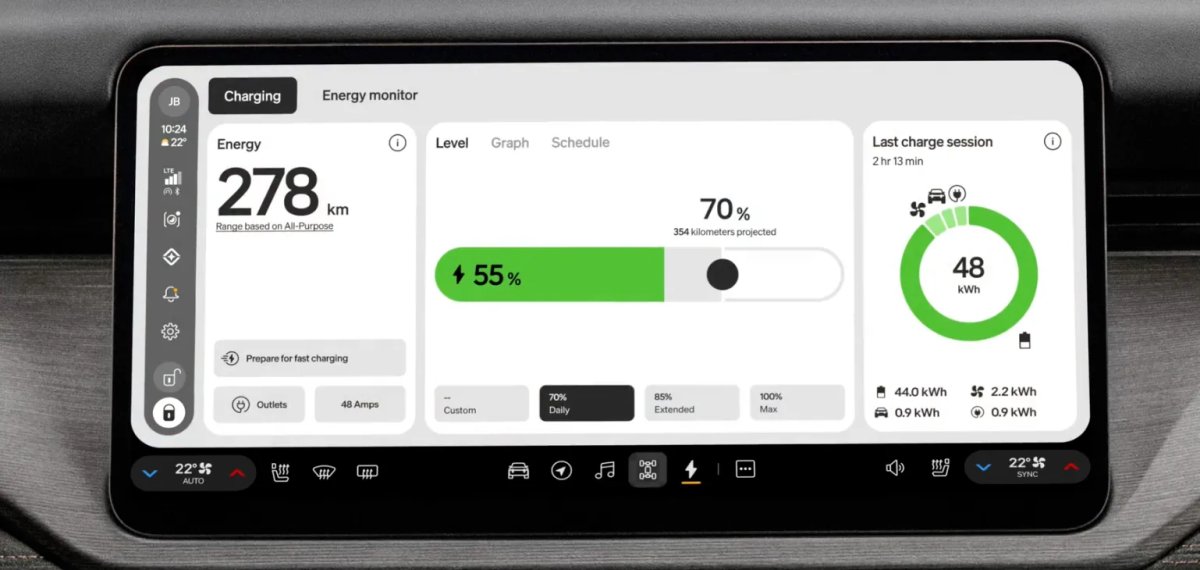
The Profile authentication feature helps secure your profile with a four- to six-digit PIN (Personal Identification Number), so only you or your phone key (or digital key on Gen 2 vehicles) can unlock your driver profile and personalized settings on any Rivian vehicle you drive. To set this up, go to Profile > Account > Security > Profile PIN in the Rivian mobile app version 3.12 or later.
NOTE
If the Profile authentication feature is turned on, the following apply:
The vehicle authenticates you and your profile only if it detects a digital or phone key. If it doesn't detect a key, the center display prompts you to enter a PIN.
The Profile PIN applies to all Rivian vehicles that you own or drive.
When the profile is locked, you have limited access to vehicle features until you authenticate.
Additional Improvements
Rivian Autonomy Platform (Gen 2)
Improved defrost for the front driver assistance cameras to increase the availability of driver assistance features.
Improved the smoothness and comfort of Autonomy+ features, Lane Change on Command and Universal Hands-Free.
Improved the performance and reliability of remote commands from the Rivian mobile app.
Fixed a very rare issue that prevented passive locking when multiple digital keys were present in the vehicle. (Gen 2)
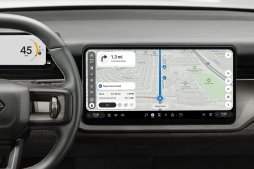
Added the current road name to the navigation map on the center display.
Infotainment
Fixed a rare issue that inadvertently turned off the HD Radio setting.
Fixed a rare issue that prevented or delayed rendering of graphics on the Drive Modes and Camping screens.
Fixed issues that caused a color mismatch between the text and theme in the Settings app for Lane departure warning, the tire rotation notification, and Kneel status.
Fixed a rare issue with range estimation during charging at a low or high state of charge. (Gen 2)
Fixed a rare issue that kept a cabin door from properly latching when you closed the door. (Gen 2)






