Basecamp Valet: Pull Your Rivian Out of the Garage From Your Phone
Summary
Pull your Rivian out of the garage from your phone, so loading kids and gear is easier.
How It Would Work
One-time setup:
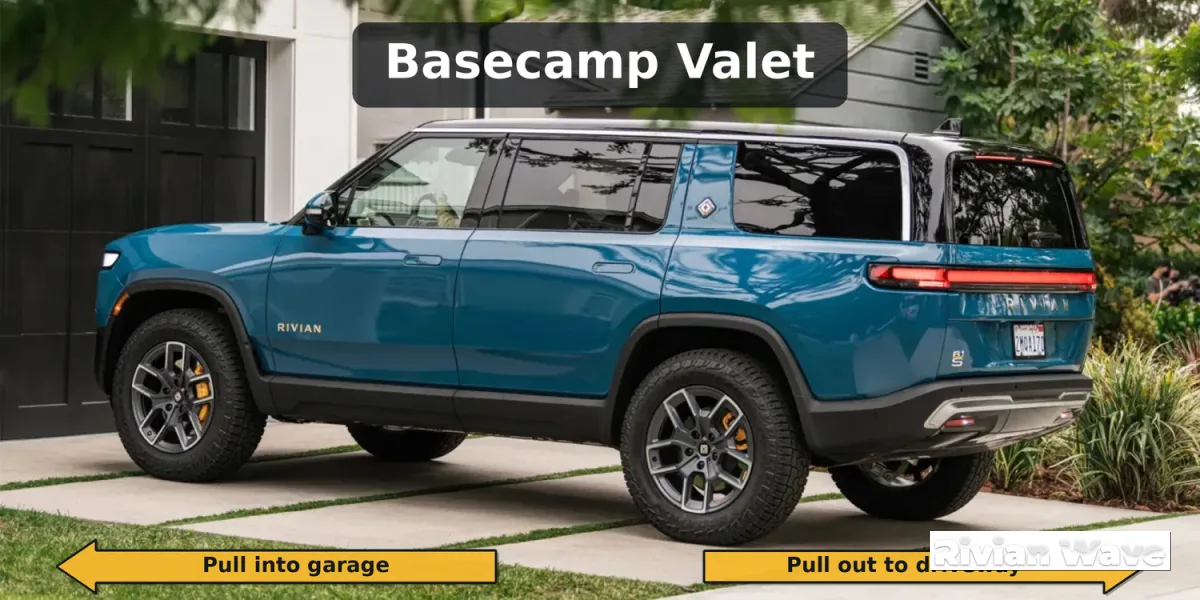
While parked in the garage, you start Basecamp Valet in the app. The vehicle learns the route using its cameras and sensors and links to your garage door opener, either through the Rivian app or a compatible smart opener. You confirm the driveway spot and save it.
Pull out:
Tap “Pull Out” in the app. The vehicle checks that the path is clear, opens the garage door, backs out along the saved route, and parks in the driveway spot. The app sends a confirmation when it’s done.
Pull in:
When you’re back, park in the driveway and tap “Pull In.” The vehicle returns along the saved route, parks in the garage, and closes the door.
Safety:
The vehicle’s cameras and sensors watch for people, pets, and objects throughout. If anything enters the path, the vehicle stops and sends an alert. You can cancel at any time from the app, and the vehicle must be within line of sight or a set distance of your phone while it moves. Vehicle's cameras are displayed on the app while the vehicle is in motion.
Vote for this feature
The top three requests at the end of the month will be shared with Rivian.